Attendance
School attendance management system
Mark a whole class in one tap, alert parents the moment a child is absent, and get attendance reports without lifting a register.
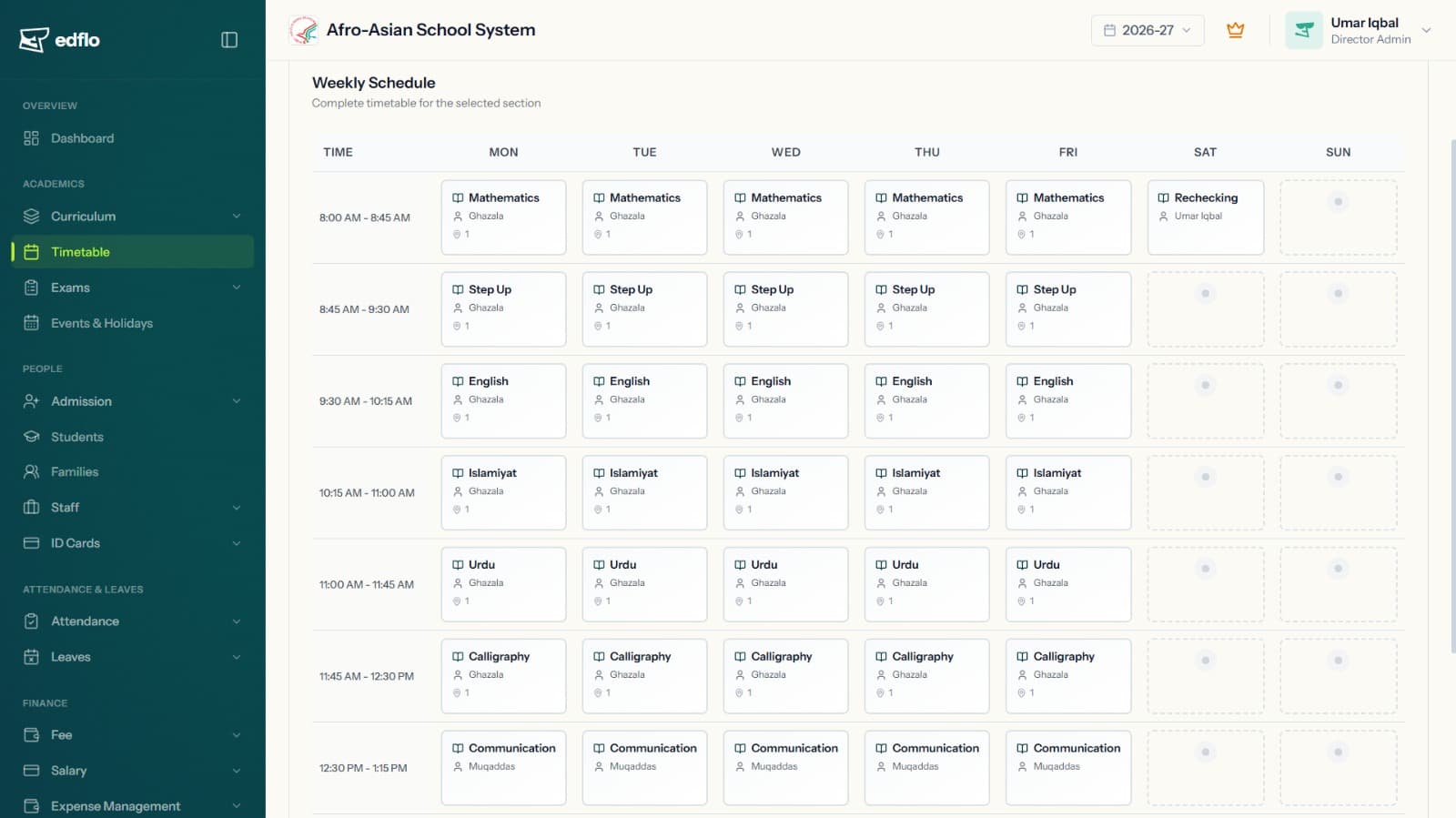
EdFlo's attendance management system replaces paper registers with one-tap mobile marking and real-time reporting. Teachers save time, parents get instant peace of mind, and admins finally see attendance trends across every class and section at a glance.
The trouble with manual attendance
Paper registers are slow, easy to lose and impossible to analyse. By the time absences are noticed, parents have already missed the chance to act — and admins have no real-time picture of the school.
- ×Teachers spend the first 10 minutes of class on roll call
- ×Parents find out about absences far too late
- ×Monthly attendance reports are compiled by hand
- ×No way to spot attendance patterns or chronic absentees
How EdFlo helps
One-tap marking on mobile
Teachers mark an entire class in seconds from the EdFlo app — present, absent or late — with no paperwork and no data entry back at the office.
- Mark a full class with a single tap
- Works on any Android or iOS phone
- Optional geofencing so staff attendance is location-verified
Instant parent alerts
The moment a student is marked absent, parents get a notification through the app, WhatsApp or SMS — closing the gap between absence and awareness.
- Automatic absent alerts in real time
- Reaches parents on the channels they actually check
- Reduces unexplained absences and improves safety
Reports and analytics that write themselves
Daily and monthly attendance reports are generated automatically, with class-wise and section-wise dashboards that surface trends and chronic absentees.
- Automated daily and monthly reports
- Class-wise and section-wise analytics
- Spot at-risk students before it becomes a problem
Results schools see
Frequently asked questions
How do teachers mark attendance in EdFlo?
Teachers open the EdFlo app, select their class and mark students present, absent or late in a single tap. It syncs instantly, so admins and parents see updates in real time with no paperwork.
Do parents get notified when a student is absent?
Yes. As soon as a student is marked absent, parents receive an automatic alert through the parent app, and optionally via WhatsApp and SMS, so they know immediately.
Can EdFlo track staff attendance too?
Yes. EdFlo supports staff attendance with optional geofencing to verify location, and it feeds directly into payroll so salaries reflect actual attendance.
Does it work without internet in the classroom?
Teachers only need a brief connection to sync. Marking is fast and lightweight, and once synced, reports and parent alerts are generated automatically.
Get the EdFlo app
Admin, teacher and parent apps — on iOS and Android.
See EdFlo in action at your school
Start a 40-day free trial — no credit card required — or book a quick demo and we'll show you around.